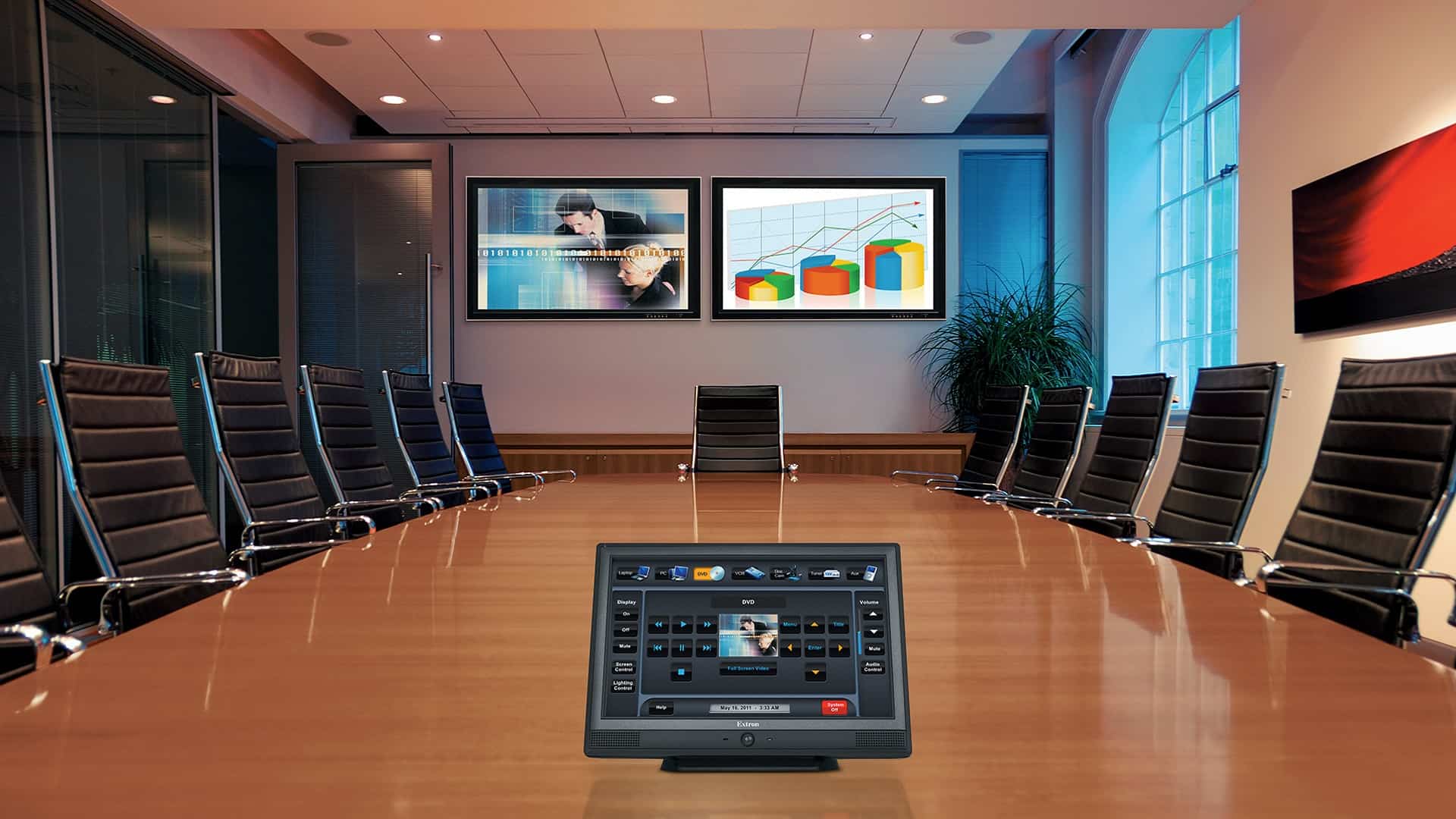
The hybrid model is not just a fad anymore; it’s how things are done in India by 2026. Whether you run a startup in Gurgaon, an enterprise in Delhi, or a school in Faridabad, there is one thing that applies to all: An ill-equipped video conferencing room will reduce your productivity, erode trust,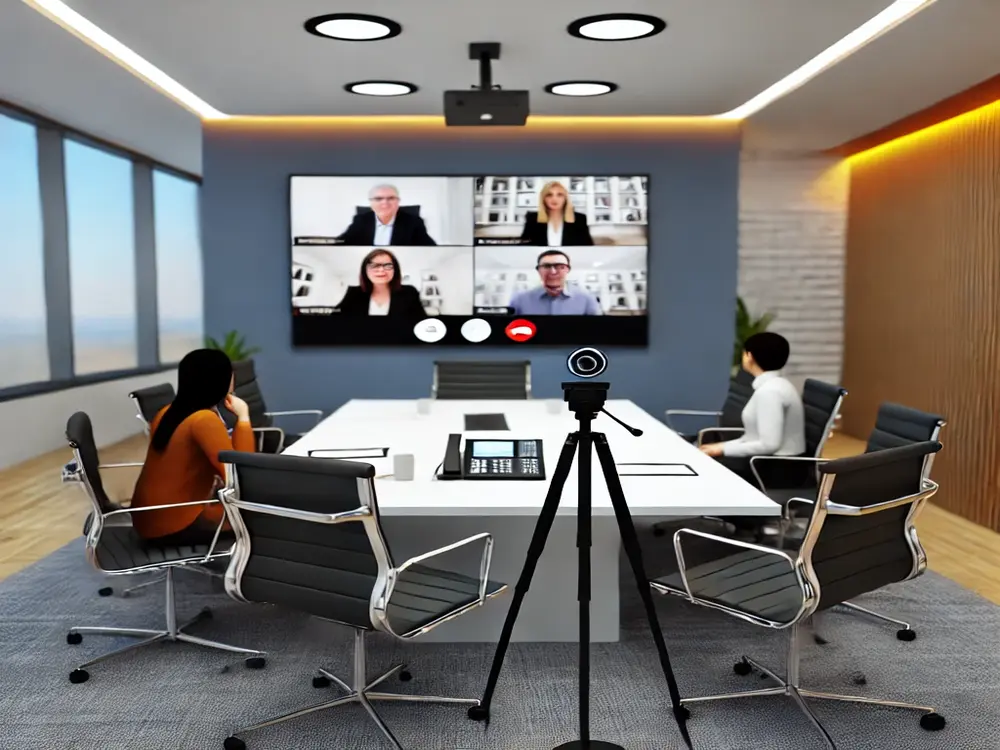 and cost you business.
But creating an effective VC room is much more than adding a webcam to your office space. Here we give you step-by-step guidance on everything from choosing the right display, investing in audio equipment, camera choice, networking infrastructure, room dimensions, and actual costs, so you can get started with the best investment decision.
💡 Sensile India is an AV solution provider for commercial spaces operating out of Faridabad. We provide professional audio visual design services and installations to our customers in Delhi NCR and PAN India for complete video conferencing rooms.
Three Reasons Why Every Indian Company Needs a Dedicated Video Conferencing Room
Collaboration is now happening remotely and hybridly. In India, 65%+ of enterprise employees attend video calls on a daily basis. But many offices continue to use webcams plugged into laptops in the middle of a noisy office space.
Professionalism—On the client side, you get to showcase an elegant, bright room, and not the mess behind your colleague’s cluttered desk.
Audio Quality—High-quality conferencing microphones and speakers ensure that there are no echoes, disconnects, and “Sorry, can you say that again?” situations.
Efficiency — With an efficient conference room set up with proper AV equipment, meetings will start and finish on schedule without any unnecessary misunderstandings.
The benefits of a proper video conferencing room are clear: improved decision-making speed, savings on business travel expenses, and better relationships with clients—particularly those from overseas.
The 5 Essential Elements of a Professional Video Conferencing Room Setup
Every professional conference room AV system – irrespective of budget constraints – requires these five essential elements that function together.
1. Display–Interactive Flat Panel or Projector
It is by far the most controversial topic when designing video conference board room systems. Both options can be used successfully; however, each performs better under certain conditions.
Interactive Flat Panel (IFP) –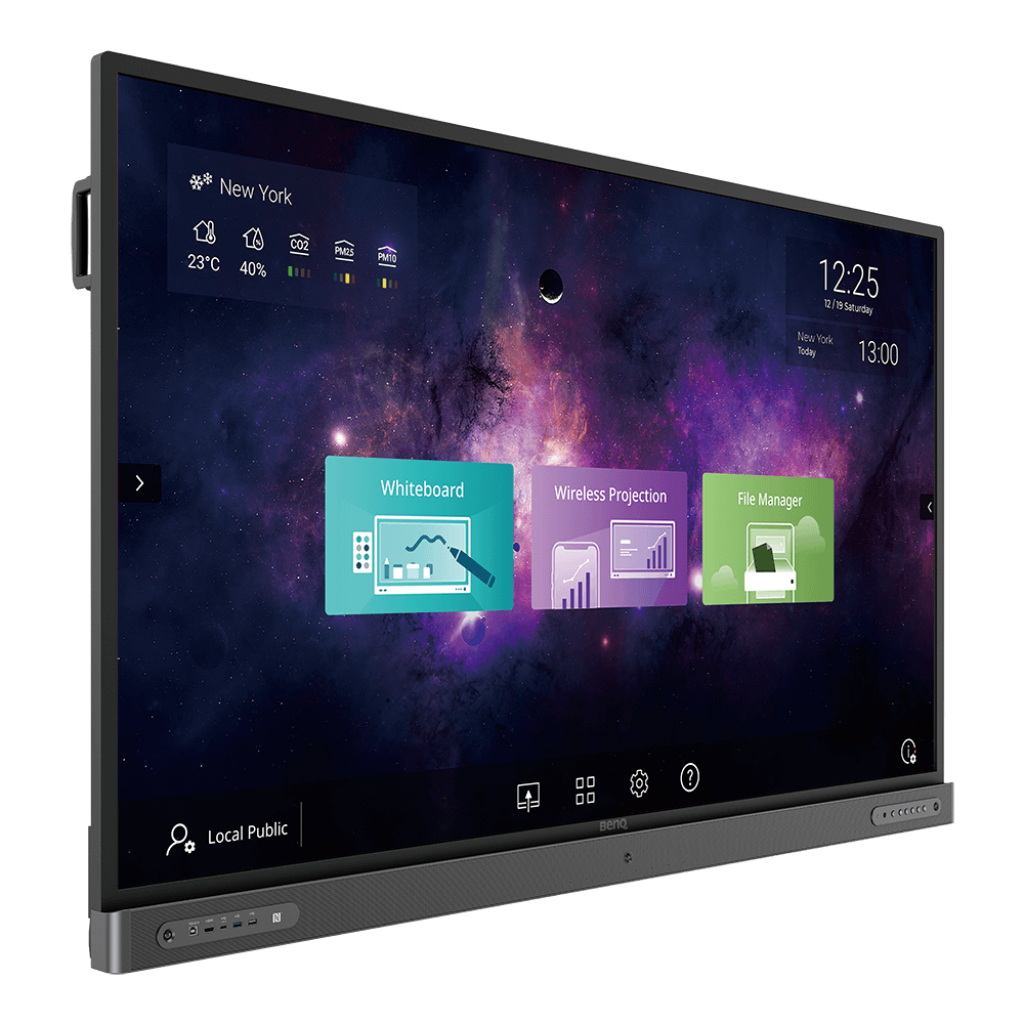 Best for Rooms Up to 8 meters
Always on, no warming up required
Large image size (100″-200″+) at cheaper costs per square inch
Minimal maintenance with laser light source
Perfect for auditoriums and large training rooms
Recommended manufacturers: Optoma laser projectors
Our recommendation: For boardrooms and huddle rooms up to 8 m, go with a BenQ Interactive Flat Panel – no shadows on displays, instant start-up and built-in Teams and Zoom support. In larger rooms, an Optoma laser projector is the better choice.
2. Audio – Speakerphone VS Ceiling Mic Array
The audio part of the setup is crucial because participants are able to withstand a blurry picture much better than echoes and cut-outs during the video call. This point should be addressed first.
Small huddle rooms (2-6 participants): A good USB speakerphone, such as Jabra Speak devices or Poly Sync products, will be perfect enough.
Moderate-sized boardrooms (6-12 participants): It is possible to choose between daisy-chained two-speakerphones and table-top conference devices, such as Yealink CP960
Large-sized boardrooms/training rooms (12+ participants): EPOS or Poly ceiling mic arrays with DSP processing are perfect for full room coverage.
3. Camera Choice
Use a wide-an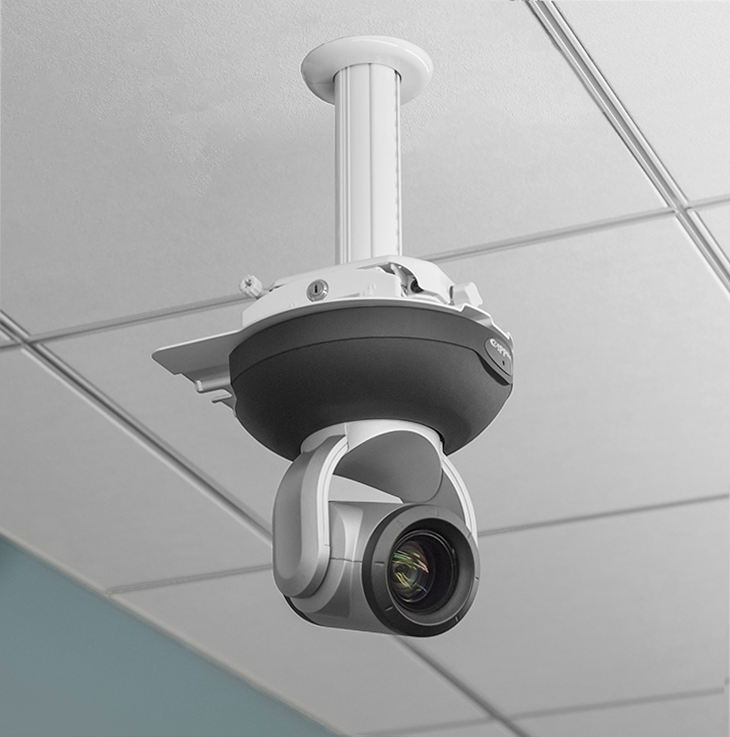 gle 120° lens camera like the Logitech Rally Bar for huddle rooms. Use a Pan Tilt Zoom camera for large rooms that will give you
better framing options. Auto-tracking cameras which track the presenter automatically are the go-to cameras for executive boardrooms.
4. Collaboration Platform Compatibility
First, check your orga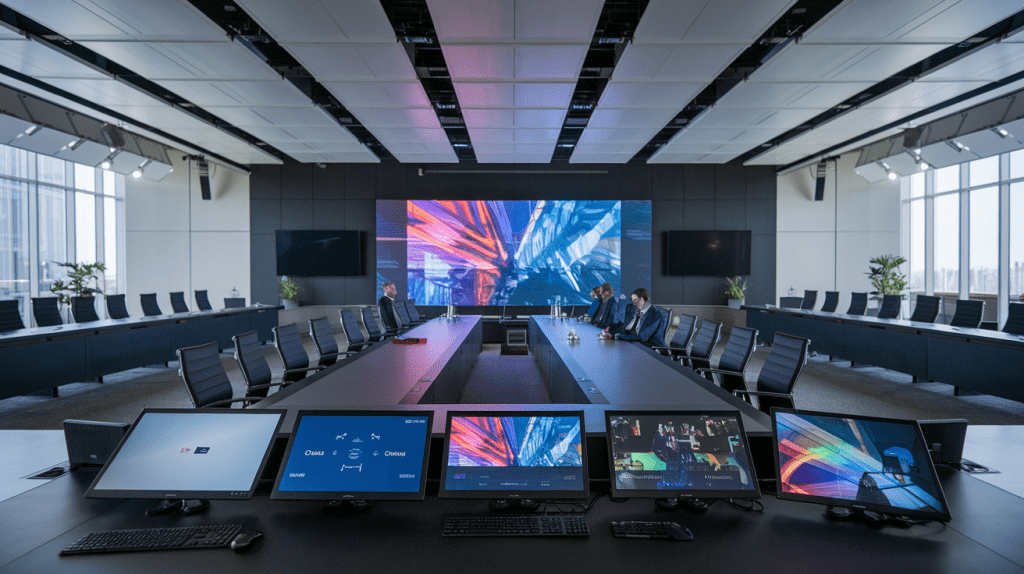 nization’s collaboration platform before purchasing any hardware. If your company uses Microsoft 365, Microsoft Teams certified devices are your best bet. Devices like the Yealink MVC series and Poly Studio are Microsoft Teams certified. Zoom Rooms certified devices can be used if your organization mainly uses Zoom video meetings as they offer one-touch joining capabilities.
The most common mistake when setting up a video conferencing solution is mixing uncertified hardware and enterprise platforms.
5. Network Connection
The use of at least one wired LAN connection to the codec of the VC room is a must-have. Wi-Fi may be used for secondary displays but not for the main VC room. Minimum bandwidth requirement is 10 Mbps symmetrical per room for HD and 25 Mbps for 4K calls. Use a TP-Link managed switch with QoS capabilities.
Size Guide for Room – Small to Large Boardroom Huddle Space: 2-4 people55″ IFP/TV, Jabra Speak USB speakerphoneWide-angle USB (Logitech)Small Boardroom: 4-8 people, 65″-75″ BenQ IFP/Poly Sync conference phoneWide-angle /PTZ (Yealink)Medium Boardroom: 8-16 people86″ BenQ IFP or two 65″ IFP/Dual speakerphone or EPOS ceiling micPTZ auto-track (PeopleLink)Large Boardroom: 16-30 people110″ laser projector or LED wallCeiling mic array + DSP (Poly)Yealink UVC86 PTZAuditorium/Hall : 30-200 peopleOptoma laser, 150″+ PA system & delegate micRobotic PTZ multi-camera
Room Size Guide — Small Huddle to Large Boardroom
| Room type | Capacity | Display | Audio | Camera |
| Huddle space | 2-4 people | 55″ IFP or TV | Jabra Speak USB speakerphone | Wide-angle USB (Logitech) |
| Small Boardroom | 4-8 people | 65-75″ IFP or TV | Poly Sync conference phone | Wide-angle / PTZ (Yealink) |
| Medium Boardroom | 8- 16 people | 86″ IFP or TV or dual 65 | Dual speakerphone or EPOS ceiling mic | PTZ auto-track (PeopleLink) |
| Larger Boardroom | 16- 30 people | 110″ Laser projector or LED wll | Ceiling mic array + DSP (Poly) | Yealink UVC86 PTZ |
| Auditorium Hall | 30 – 200 people | laser projector 150″+ | PA system + delegate mic | Robotic PTZ multi-camera |
What is the Cost of Setting Up Video Conferencing Room in India?
Depending upon room size, choice of brands, and complexity of installation, the cost of setting up a video conferencing room will vary. Here is a cost estimate for India in 2026:
Low-end Huddle Room- ₹80,000 to ₹1.5 lakhs55″ commercial display/USB speakerphone(Jabra Speak 510)/ wide-angle webcam
Professional Small Boardroom – ₹2.5 to ₹5 Lakhs, 65” to 75” BenQ IFP, Conference Speaker Phone (Poly Sync 60), Logitech Rally Camera, TP-Link Networking. Perfect fit for a meeting room of 4 to 8 people.
Enterprise Boardroom (Complete Solution) – ₹8 to ₹20 Lakhs, either an 86” display or dual IFPs, EPOS Ceiling Mic Array, Yealink PTZ Auto-Track Camera, AV Controller, Room Booking Panel, complete cabling, and professional installation.
Prices quoted above are indicative only. For site assessment & quote, please contact Sensile India.
Why Should You Choose a Professional Audiovisual Integrator Instead of DIY?
DIY conference room solution can work – until it does not work. Here’s what you are missing out on: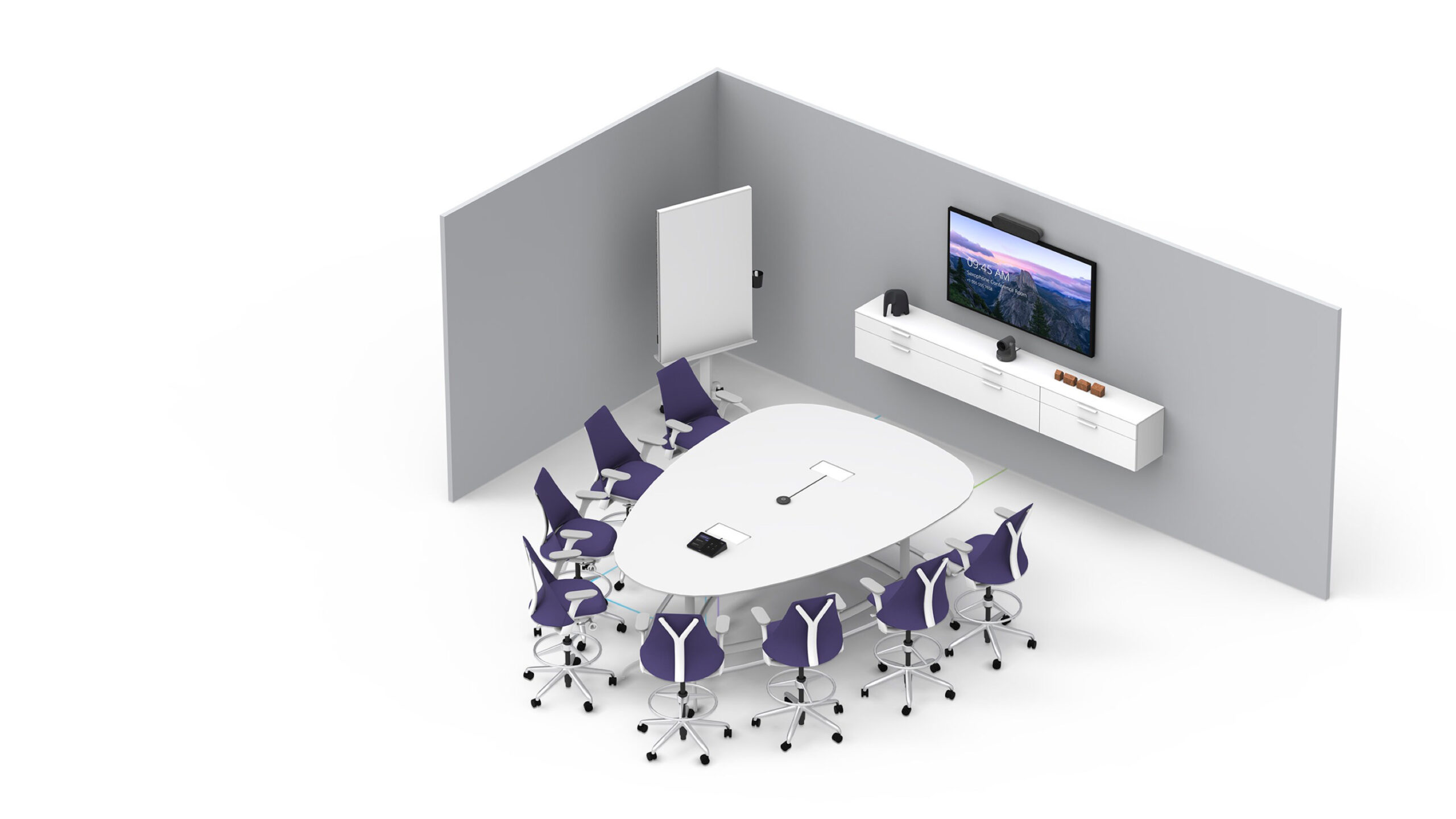
Acoustic treatment – hard surfaces create echoing problems. AV integrators evaluate and treat the environment before installing any audio visual equipment.
System integration – Making the display, camera, speakerphone, and network work together as a coherent system needs configurations not addressed in product manuals.
WARRANTY & AMC – A professional systems integrator will maintain your system on an annual basis and is a single point of contact if anything goes wrong rather than dealing with five different brands.
🏗️ Sensile India offers complete AV integration services from room designs and acoustic analysis through installations and configuring to AMC. Over the years we have set up boardrooms, auditoriums, and VC rooms across Faridabad, Delhi, Gurgaon, Noida, and even all of India.
Our Video Conferencing Projects in Delhi NCR
In the last couple of years, we at Sensile India have designed and installed video conferencing room setups at:
For Microsoft Team-certified Boardrooms in Corporate offices at Faridabad & Gurgaon
For Schools & Colleges located in Delhi NCR migrating from traditional projectors to BenQ IFPs
Data Centers that require fully integrated Video Wall and Operation Control Room
Healthcare providers in need for hygiene safe teleconference rooms
Each project starts with a free on-site visit from our AV consultants, who will determine room size, ambient light, sound problems, and available network resources before proposing a solution.
Frequently Asked Questions
What is the lowest budget required for setting up a professional office video conferencing solution in India?
For an average professional huddle room set up, the budget will range from ₹80,000-₹1.5 lakhs with commercial display, USB speakerphone, and wide-angle camera. A complete boardroom set up for 4-8 people can be around ₹2.5-5 lakhs.
BenQ IFP vs Projector
Which one is best for your Boardroom? For small to medium-sized conference rooms, IFPs work best – they can run even in ambient light conditions, are quick to start up, and have built-in collaboration options. But for large halls or auditoriums, lasers projectors make more economic sense.
Which brands are the best video conferencing equipment manufacturers in India?
Audio devices include Jabra, Poly, and EPOS. Camera brands which we recommend include Logitech and Yealink. Display Brands – We recommend BenQ and Optoma.
Do you have installation services in Gurgaon, Noida, and Delhi?
Yes. Sensile India is located in Faridabad and provides services in the whole region of Delhi NCR, which includes Gurgaon, Noida, Delhi, and Greater Noida. Also, our company serves all over India. We provide free site visit for the boardroom and audio-visual system integration.
Could you integrate VC room with Microsoft Teams or Zoom? Yes. Our company provides certified Teams and Zoom hardware by such renowned manufacturers as Yealink, Polycom, and Logitech that will make sure of one click joining and no configurations of equipment for meetings.
What does an Annual Maintenance Contract for audio-visual systems include?
With us, the contract involves scheduled maintenance, remote technical support, monitoring the condition of your hardware, firmware updates, and on-site urgent response.
Get Ready to Upgrade Your Conference Room!
Get a free site visit and custom AV consultation from our team. We serve Faridabad, Delhi NCR, and PAN India.
📞 +91 8178771085 / 9999234681 ✉️ info@sensile.in 🌐 sensile.in/solutions 💬 WhatsApp us for a free site visit.
© 2026 Sensile India · Commercial AV Design & Installation · Faridabad, Haryana · Serving Delhi NCR & PAN India